What it costs the airline
Missed dining and missed retail. Entertainment nobody finds in a button tree. Extra crew walks. Orders guessed from a half-heard sentence, then wasted. A premium cabin that still feels like a call button.
Lights, dining, entertainment, and the next cabin product run on the aircraft. The passenger speaks, confirms, and the seat acts. Crew see it at once. The log can sync when a link returns. The flight deck stays out of it.
On the aircraft · Crew see it offline · A yes before it runs · 2–3 days to a cabin zone
A cloud menu cannot take a meal, a title, or a sale when the link is down. Crew walk the cabin for requests the seat could have taken.
Missed dining and missed retail. Entertainment nobody finds in a button tree. Extra crew walks. Orders guessed from a half-heard sentence, then wasted. A premium cabin that still feels like a call button.
Each cabin product runs on the aircraft, from the content you load. The passenger confirms. Crew see the seat at once. You take the revenue in the cabin, and you spend less crew time on the requests a seat can finish. The ground link catches up later.
The link is optional. The confirmation is not. The flight deck is not in the path.
At the seat, in their language. The words stay on board.
Light, meal, title, shop, or a cabin answer — from the library you loaded.
Crew see it now. The log can sync when a link returns.
Lights, dining, and entertainment already run at the seat. The shop, the cabin guide, and the crew board use that same offline path.
The menu is on board. Nothing is queued until the passenger says yes. The galley sees an order, not a guess.
The library is on the aircraft. They ask in their language. Play starts after they confirm.
The same pattern as dining: a catalog on board, a yes, a queued order. It syncs when the link returns.
Seat comfort runs locally. Crew are not the button for every request.
Every seat action is visible in the cabin while the ground link is down.
You name the products. A yes is required where you say so. The flight deck stays untouched.
Offline first. One seat. Then the next product on the same path.
A meal and a purchase should not depend on a crew member walking past, or on a link that is down.
Menus differ by cabin. A half-heard order wastes a tray. Retail sits in a booklet. Both are revenue that expires at landing.
Dining reads the menu on board and queues only after a yes. The shop is the same product, one catalog later: they confirm, the order waits on the aircraft, crew see it, and it syncs when a link exists.
A title they cannot find is a title they do not watch. The library is already on the aircraft.
Seatback menus assume one language and a lot of tapping. A catalog on the ground is useless at cruise. Paid and premium titles stay buried.
They ask. The catalog on board answers in their language, by voice or on the seatback. Playback starts after they confirm. The reply never needs the ground link.
Lights, a cabin question, a service call. If crew cannot see it offline, they walk, or they miss it.
Call buttons pile up. Simple comfort requests take a person. A cabin guide that needs the cloud fails the moment the link does. Missed requests become complaints.
The light changes at the seat. A cabin guide answers from the content you loaded. Every action lands on a crew board that does not need the ground. You add the next service the same way. You name it. It runs locally. They confirm when you require it.
The cabin, the film, and the pace. Book the demo while the zone is in view.
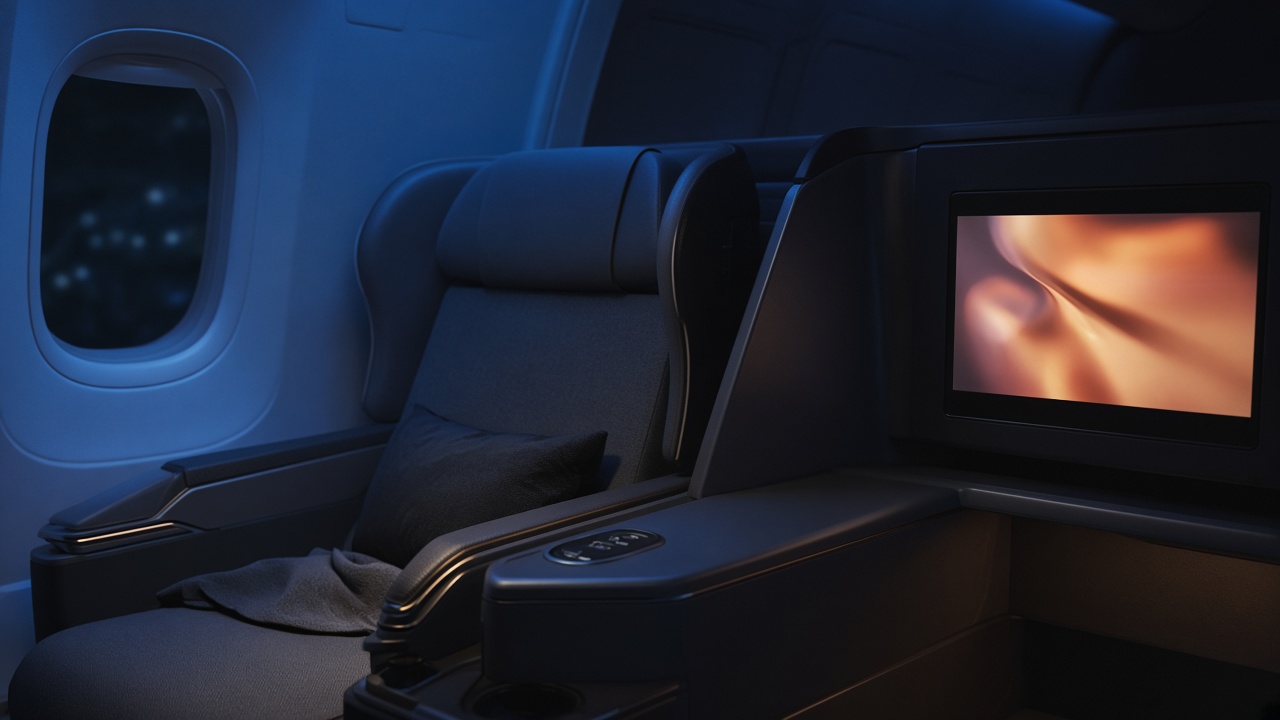
Illustrative. Dining, playback, and a shop wait for a yes. The crew board stays up when the link is down.
Cabin comfort and content. Live in two to three days. The flight deck stays out.
Book a demoThe answer has to live on the aircraft. Nine offline voice modules. Confirm before every act. Flight deck stays out.
Where cabin margin sits: ancillary revenue carries healthy margin only if the offer reaches the passenger when the network cannot be trusted. Local models and onboard content collapse the offer, the confirmation, and the crew view into one offline loop.
Cloud menus and call-button status checks.
Onboard catalogs and local models replace brittle ground calls at cruise.
Passengers ask the seat. Crew see status on the board instead of walking the aisle.
Commerce and crew coordination.
Menu and Duty free take spoken orders with confirmation.
The crew board stays current offline.
Titles found by voice in the passenger’s language.
Guide, preferences, sync.
Safety and Wi-Fi answers from approved onboard knowledge.
Remembered for the flight, synced after landing.
Orders and events reconcile when the link returns.
24 months in four phases. The edge pattern stays the same.
Menu or Duty free in one cabin zone on one aircraft type. Validate confirm-before-act.
Add Cabin service, Crew, Passengers, and Movies / Entertainment.
Scale the OTP edge install across aircraft types. Add Wi-Fi support, Seat, Safety guide.
Post-flight reconciliation feeds revenue, loyalty, and menu planning.
Challenge. Cloud-based menus failed at cruise. Dining and duty-free revenue walked away; crew lacked a live view when connectivity dropped.
Approach. Local STT, SLM, TTS, and RAG for a cabin zone. Menu and Duty free queue only after confirmation. Crew and Passengers modules keep the board current. Safety answers from approved procedures. Nothing connects to flight-deck systems.
Result. Seat commerce continued without a ground dependency. Crew spent less time walking the aisle. The edge install path is repeatable across zones and aircraft.
The agent repeats the item and price and waits for a spoken yes. Dining, playback, and purchase wait. The flight deck stays untouched.
Book a demoThe questions cabin and commercial leadership ask together.
No. The action and the crew board run on the aircraft. The log can sync when a link returns. A light, a confirmed meal, and a title do not wait for that link.
At the seat today: lights, dining from the onboard menu, and entertainment from the onboard library. On the same path: an onboard shop, a cabin guide from content you load, and further service requests you name. Each one is an action you approve. Dining, playback, and a purchase wait for a yes.
Revenue: completed dining, entertainment people can actually start, and retail queued at the seat instead of missed in a booklet. Cost: fewer crew walks for simple requests, less wasted catering from a guessed order, and a board that shows the cabin without a ground feed.
No. Comfort and content only. There is no path into flight controls. If you did not approve the action, it does not run.
The seat, what was asked, and what ran. The board does not depend on the ground. Sync is for the operation afterward.
The passenger speaks. The reply comes back in that language, by voice or on the seatback. You choose the languages for the zone.
One cabin zone in two to three days. Start with lights, dining, and entertainment. Add the shop or the cabin guide on the same seat. The license is for the platform. The first step is a demo.
No. You load the content, name the actions, and say which ones need a yes. The seat and the crew board are the product.
A sample cabin request with the link down. The passenger confirms. Crew see it on the aircraft. The flight deck stays out.
Book a demo. Lights, dining, and entertainment first. The next product uses the same seat. It still works offline.